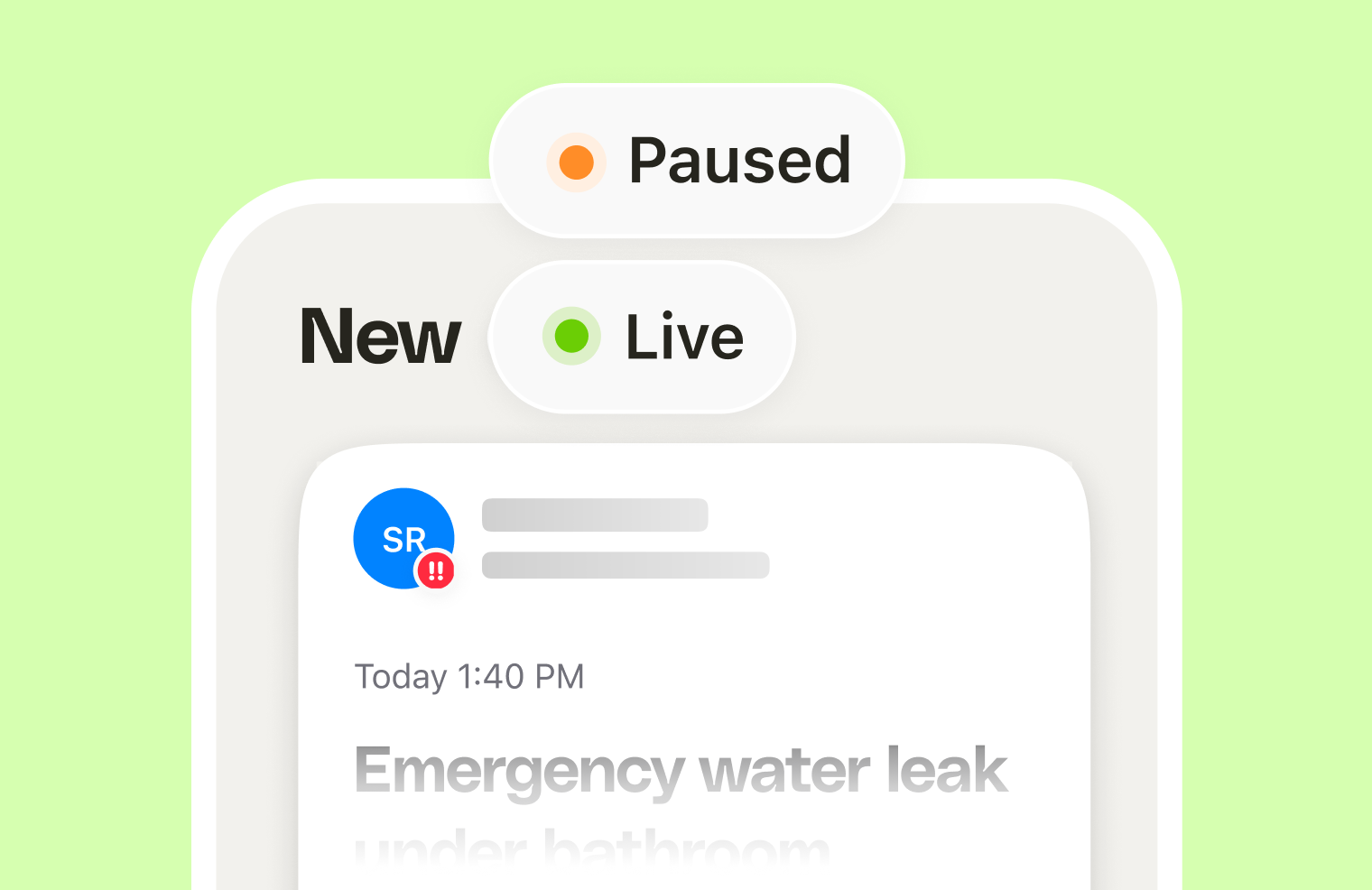
Clara answers every call and captures every inquiry, but until now, only the business owner could act on them. If you run the business with a partner, a dispatcher, or a small crew, that meant forwarding messages by hand, or everyone crowding one inbox to see who was calling.
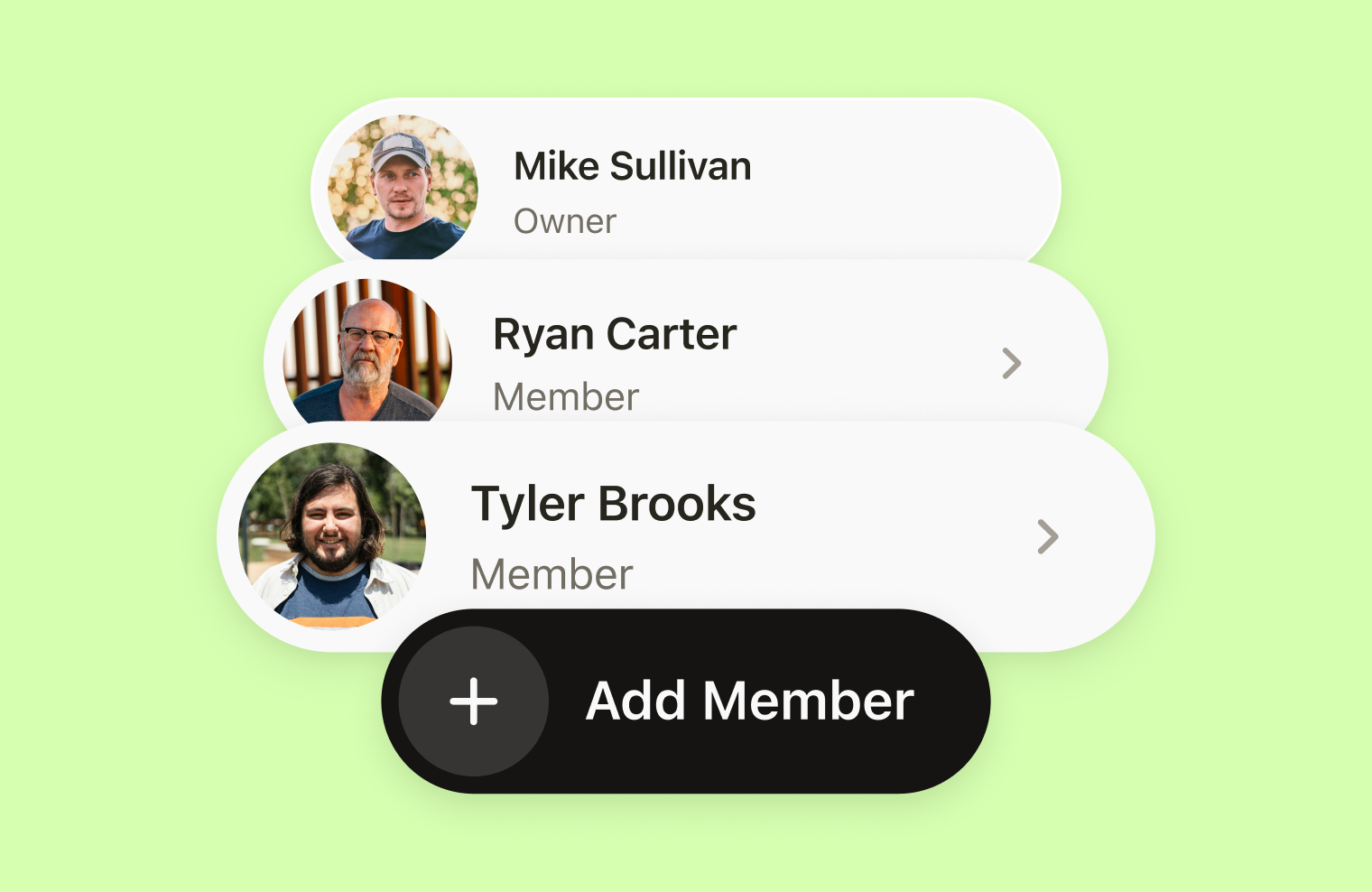
That changes with Clara Teams. Pro users can now add team members to their Clara account, decide what each person sees, and split the calls and callbacks across the whole team.
What Clara Teams does
Clara Teams adds real teammates to your Clara business account, not just extra logins. As the owner, you choose what each team member can see: all calls, or only the calls assigned to them. Once someone has access to an inquiry, they can call the customer back and mark it resolved themselves, so it doesn’t sit waiting on you.
Where to find it
Clara Teams is part of the Pro plan. A seat costs $29/month, billed pro-rata from the day a team member accepts their invite, on a separate invoice from your Pro subscription. You invite team members from Teams on app.heyitsclara.com, the Clara web dashboard, not from the mobile app.
How it works
- You invite a team member. From Teams on app.heyitsclara.com, send an invite to their email.
- They accept, and the seat activates. They get an email invite, and once they accept it, they’re added to your account and billing starts.
- They work their inquiries. They see the calls Clara has taken, call the customer back, and resolve it.
The result: instead of every call funnelling through one person, the team picks up the load together, and you can see it all happening without chasing anyone for updates.
Built for how trade teams actually work
A few ways trades and local service businesses are putting Clara Teams to use:
- Plumbers and electricians with an on-call rotation. Assign the emergency and after-hours inquiries to whoever’s on call that week, so urgent jobs reach the right person immediately instead of sitting in a shared inbox.
- HVAC and roofing crews split by specialty. Route installs to one team member and repairs to another, so each person only sees the calls that match what they actually do.
- Cleaning and landscaping businesses covering multiple areas. Give each team member the inquiries in their patch, so they’re calling back the customers closest to them.
- Growing businesses with a dedicated office role. Keep a dispatcher or office manager on “all calls” so they always have the full picture, while everyone else only sees what’s theirs.
Best ways to set it up
- Start with access, not headcount. Decide who genuinely needs to see every call versus who only needs their own, then set access accordingly. It’s easy to change later.
- Match access to how the team already splits work. Mirror whatever routing you already do by hand, whether that’s by specialty, area, or on-call rotation.
- Add one team member first. Get a feel for how assigned calls flow, and how billing works, before rolling it out to the whole crew.
Product Updates is our series of short guides on what’s new in Clara and how to get the most out of it.