Clara is here to help your business grow, answering your calls and making sure nothing slips through. But some calls are ones only you should take, and now Clara knows how to spot them and put them straight through to you.
We call it Live Call Transfers. Here’s how it works and how to set it up.
What Live Call Transfers does
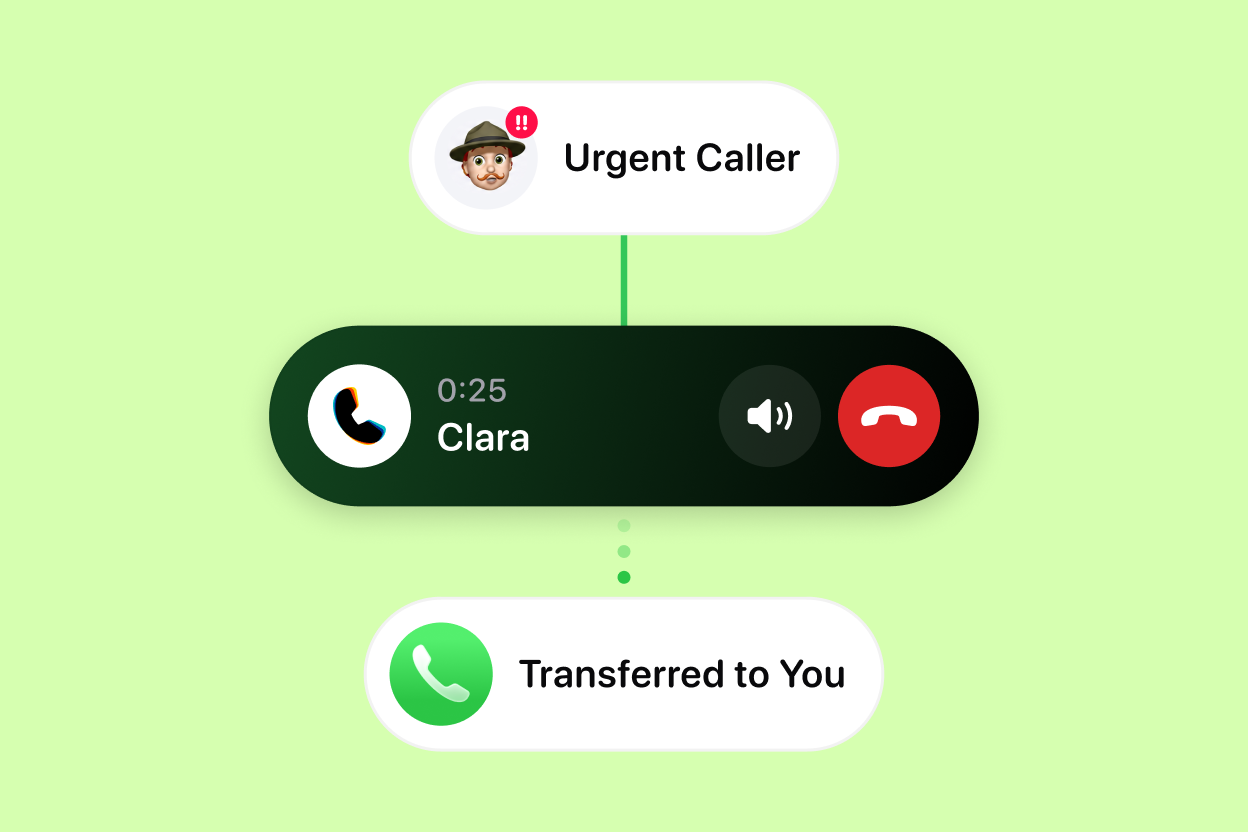
With Live Call Transfers, Clara can hand an important call over to you in the moment. Clara still answers every call and screens it like always. The difference is that now, when a call is worth taking, Clara can connect the caller straight to you rather than only leaving you a note.
It is not a blind transfer. Clara finds out who is calling and why first, tells you, and only then rings your phone. You stay in control of who gets through.
Where to find it
Live Call Transfers is part of the Pro plan. You’ll find it under Business → Call Transfers, off by default, so you switch it on and set your transfer rules whenever you are ready. Setup takes about a minute, and you can change your rules any time.
How it works
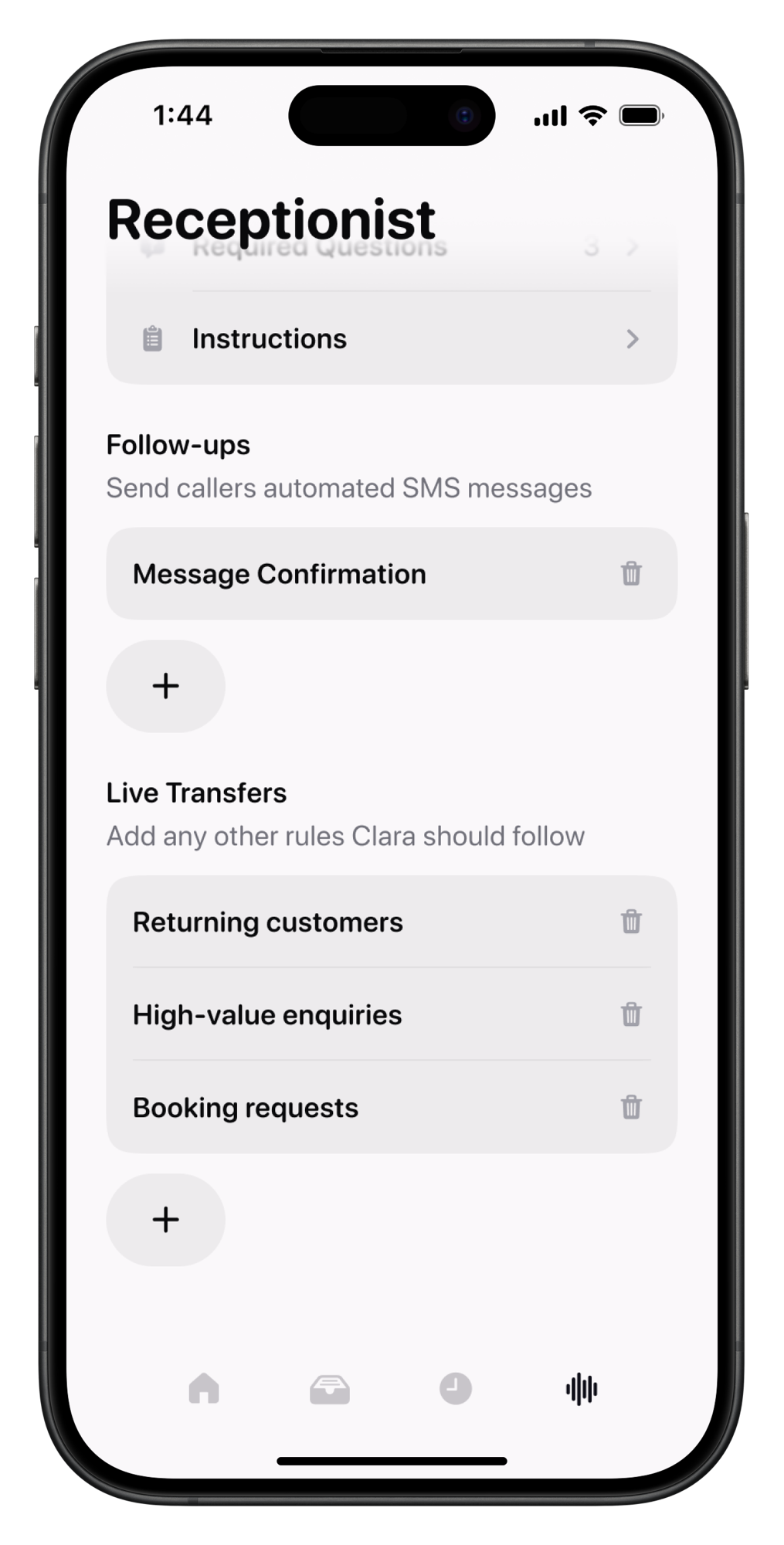
You set the rules for which calls are worth a live transfer. After that, it runs on its own:
- Clara screens the call. Clara answers, then finds out who is calling and what they need, just like always.
- Clara rings you. When a call matches your rules, Clara rings you with the caller’s name and their reason, so you know what is waiting before you pick up.
- You decide. Worth taking? Accept, and Clara passes the caller straight to you. Not this one? Decline, or simply do nothing, and Clara wraps up the call, takes a message, and sends you the notes as usual.
The result: you never look up from a job wondering if the call you just missed was the one that mattered. Clara tells you, and you decide in the moment.
Best ways to set it up
Live Call Transfers work best when your rules are specific. A few setups that work well:
- Existing clients and known numbers. Put through callers you already have a relationship with, and let Clara handle everyone else. Great for keeping regulars happy without being glued to your phone.
- High-intent inquiries. Have Clara ring you when a caller is asking for a quote, booking, or anything that signals real buying intent. You jump in for the calls most likely to turn into revenue.
- Urgent or time-sensitive matters. Set rules around the reasons that can’t wait, so the genuinely urgent calls reach you live while routine questions get a message.
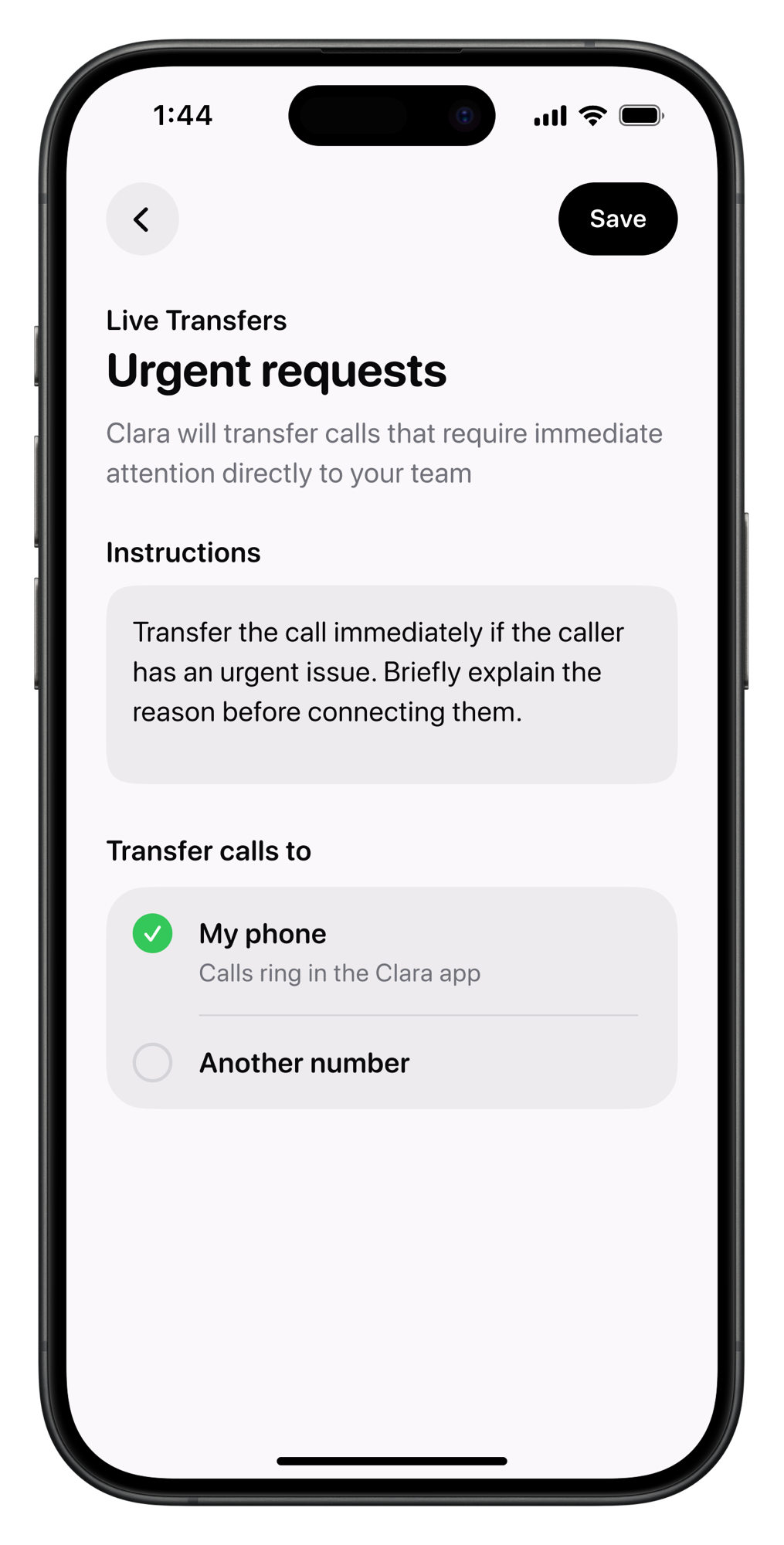
Start simple. Turn Live Call Transfers on, add one or two rules for the calls you would always want to take, and refine from there once you see it in action.
Product Updates is our series of short guides on what’s new in Clara and how to get the most out of it.