Try Calling Clara

Scan the QR code or tap to call and hear how Clara answers the phone.

Make professional invoices for plastering jobs in under 2 minutes. Free, no sign-up. Built for plasterers — skim coats, render, dot-and-dab, late fees, and bank details. Free to use, no sign-up required. Built by Clara — the AI receptionist for tradespeople across the US, UK, and Canada.

Questions about invoicing as a plasterer

What should a plasterer include on an invoice?

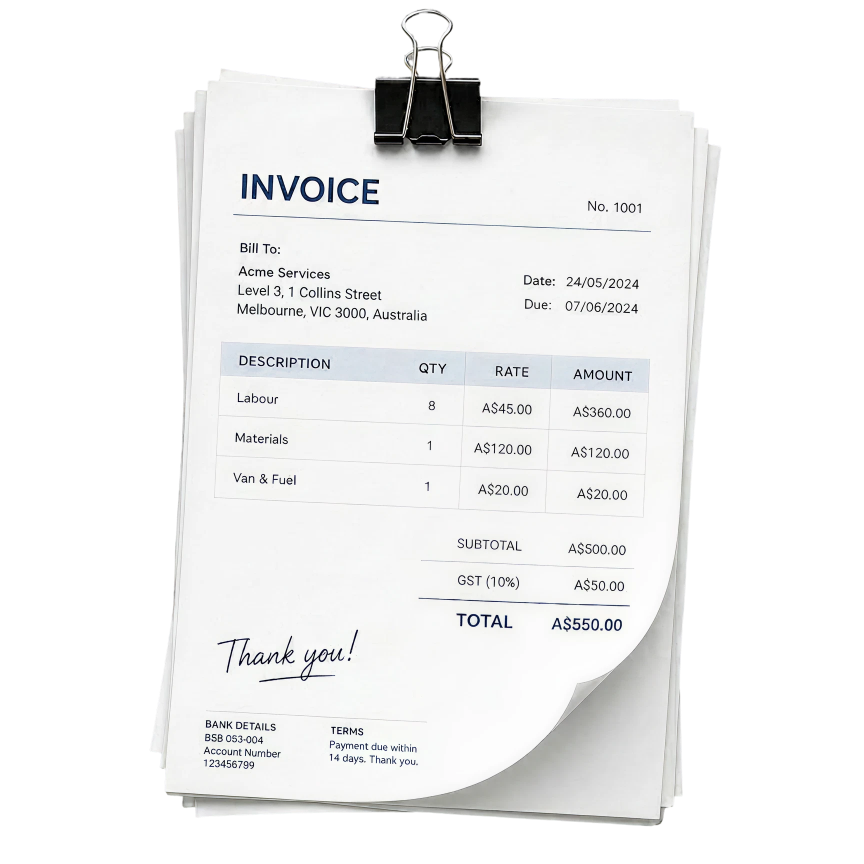
An invoice should include your business name, address, and contact details, the customer name and address, a unique invoice number, issue date and payment due date, a line-by-line breakdown of work done and materials, subtotal, VAT if applicable, total due, and your bank details for payment. This generator covers all of it.

How quickly should I send an invoice after completing a job?

Same day is best. Tradespeople who invoice within 24 hours of completing work get paid significantly faster than those who wait. This generator makes it easy to send one before you've even left the job.

Is this invoice generator really free?

Yes — completely free, no sign-up required, no watermark on the invoice. Clara built this tool because plasterers told us getting paid on time is one of the biggest headaches in the trade. Use it as much as you like.

What if a customer doesn't pay?

Start with a polite follow-up referencing the invoice number and due date. If that fails, send a formal letter before action. Your invoice includes statutory late payment interest terms, which gives you a legal basis to charge interest on overdue amounts. For persistent non-payment, small claims court is a straightforward option for amounts under CA$35,000.

More free tools for plasterers

Invoice generator for other trades