We’ve made a significant change to how Clara handles your calls - and if you’ve been using Clara for a while, it’s worth two minutes to understand what’s changed and how to take advantage of it.
What’s changed
Before, Clara worked as a catch-all. Your phone would ring, you’d try to answer it, and if you couldn’t - out on a job, in a meeting, hands full - the call would forward to Clara.
That model worked. But it had a ceiling.
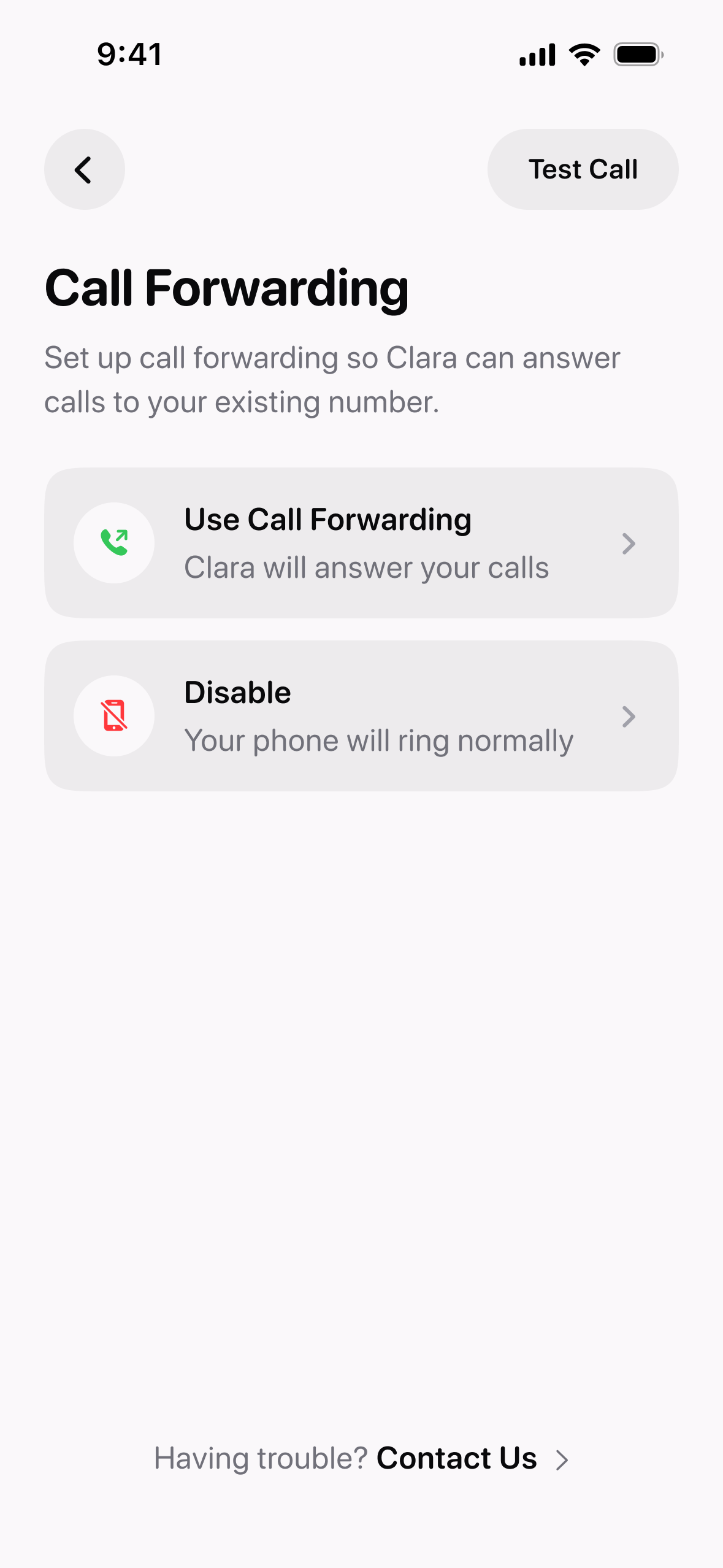
Now, all calls can route to Clara directly. Clara becomes your primary answering service, not your backup. You still take calls yourself when you want to - but Clara is in the loop from the start, not just picking up the slack.
Why this matters
More control over when and how Clara answers
With direct routing, you can now set rules for how Clara behaves:
- Scheduling - Clara answers during your configured hours. Outside those hours? Different behavior entirely.
- Block and allow lists - specific numbers can always go to Clara, or always reach you directly.
- Custom rules - set conditions for when Clara steps in and when she doesn’t.
You’re no longer just toggling Clara on or off. You’re building a call handling system that fits the way your day actually works.
Clara learns from your calls
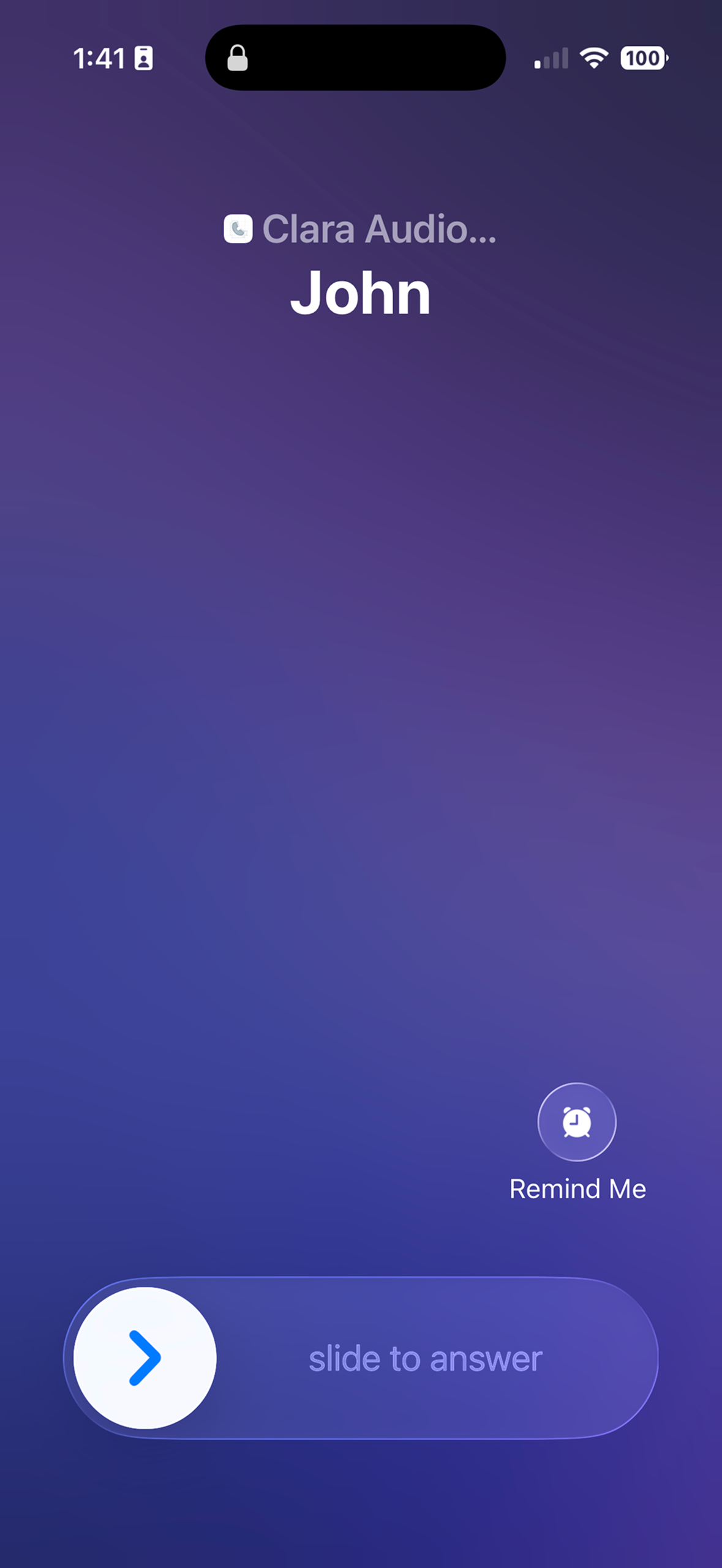
When Clara is your primary answering layer, calls happen inside the app - similar to how a WhatsApp call works. That means when you take a call, Clara is there too.
She takes notes. She summarizes what was discussed. You finish a call and you have a clean record of it without lifting a finger.
Clara also learns from how you talk to your customers. The way you explain your pricing, the questions you ask, the things you always want to know before booking a job - Clara picks that up over time and starts doing it your way.
How to upgrade
This doesn’t cost anything extra. It’s available to all Clara subscribers now.
Product Updates is our series of short guides on what’s new in Clara and how to get the most out of it.