Skip Clara: choose which calls to answer yourself
10 May 2026 Updated 6 August 2026 2 min read
Product Updates

Skip Clara: choose which calls to answer yourself

You can now choose specific contacts that Clara will never answer - your partner, family, or that supplier you need to speak to yourself. Set it up in under a minute.

Written by Adam Stevens
To set this up: go to Settings → Call Handling → Skip Clara.

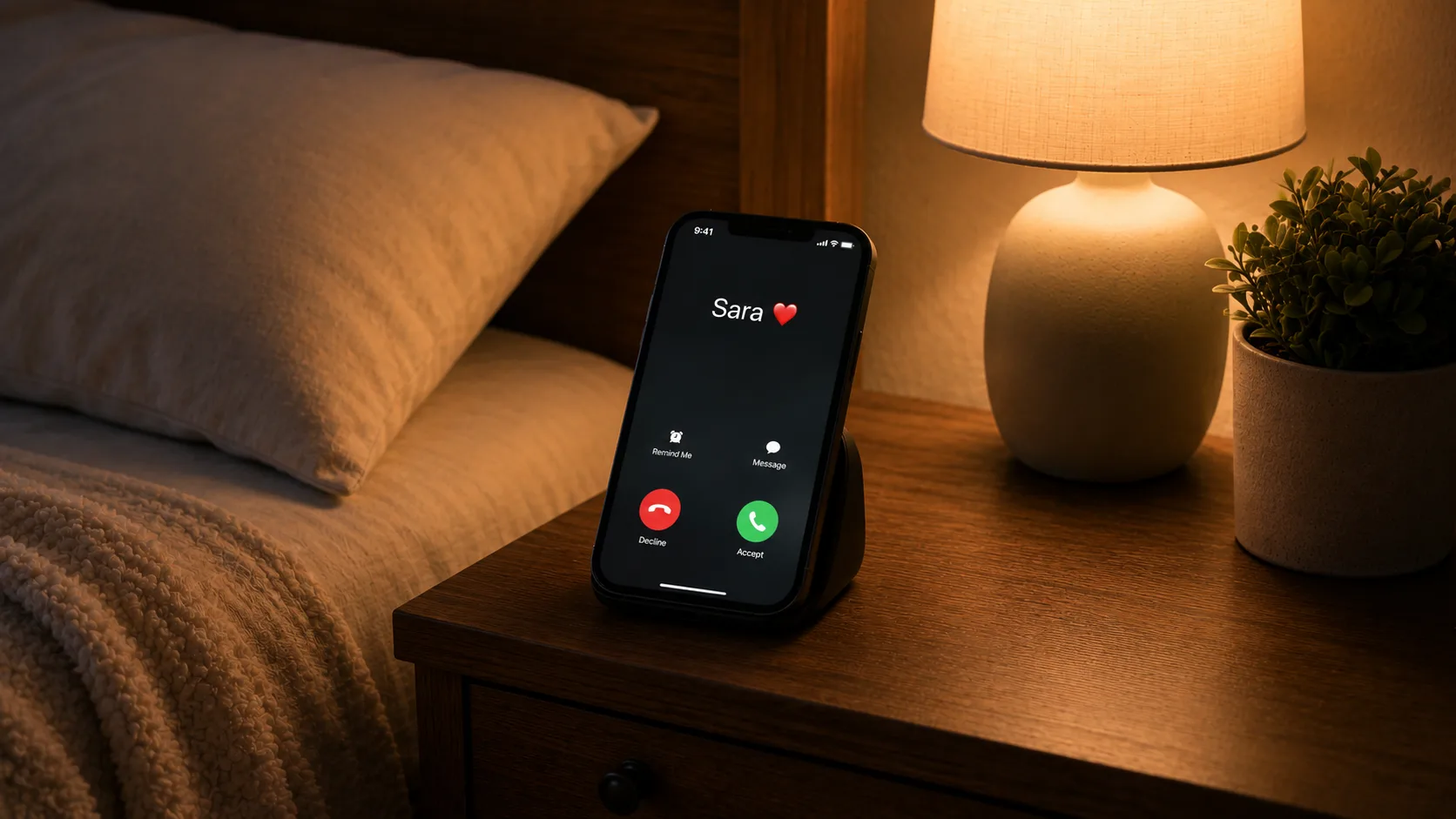
Clara handles your calls - but some calls you want to take yourself. Your partner. Your mum. A supplier you’re mid-negotiation with. Skip Clara lets you decide who always rings through to you directly.

How it works

Go to Settings → Call Handling → Skip Clara. Clara will ask permission to access your contacts - grant it, and your full contacts list appears.
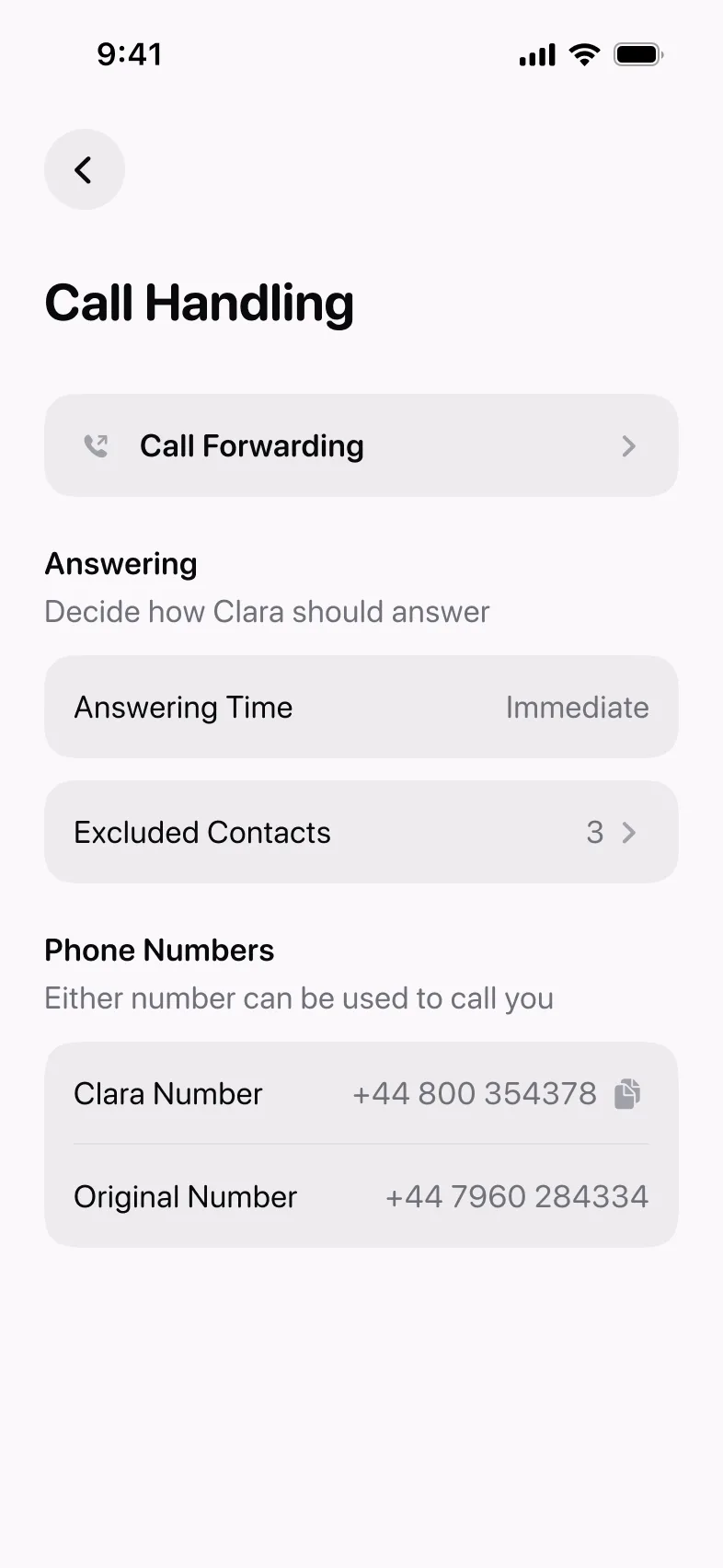
Skip Clara in the Call Handling settings screen in Clara

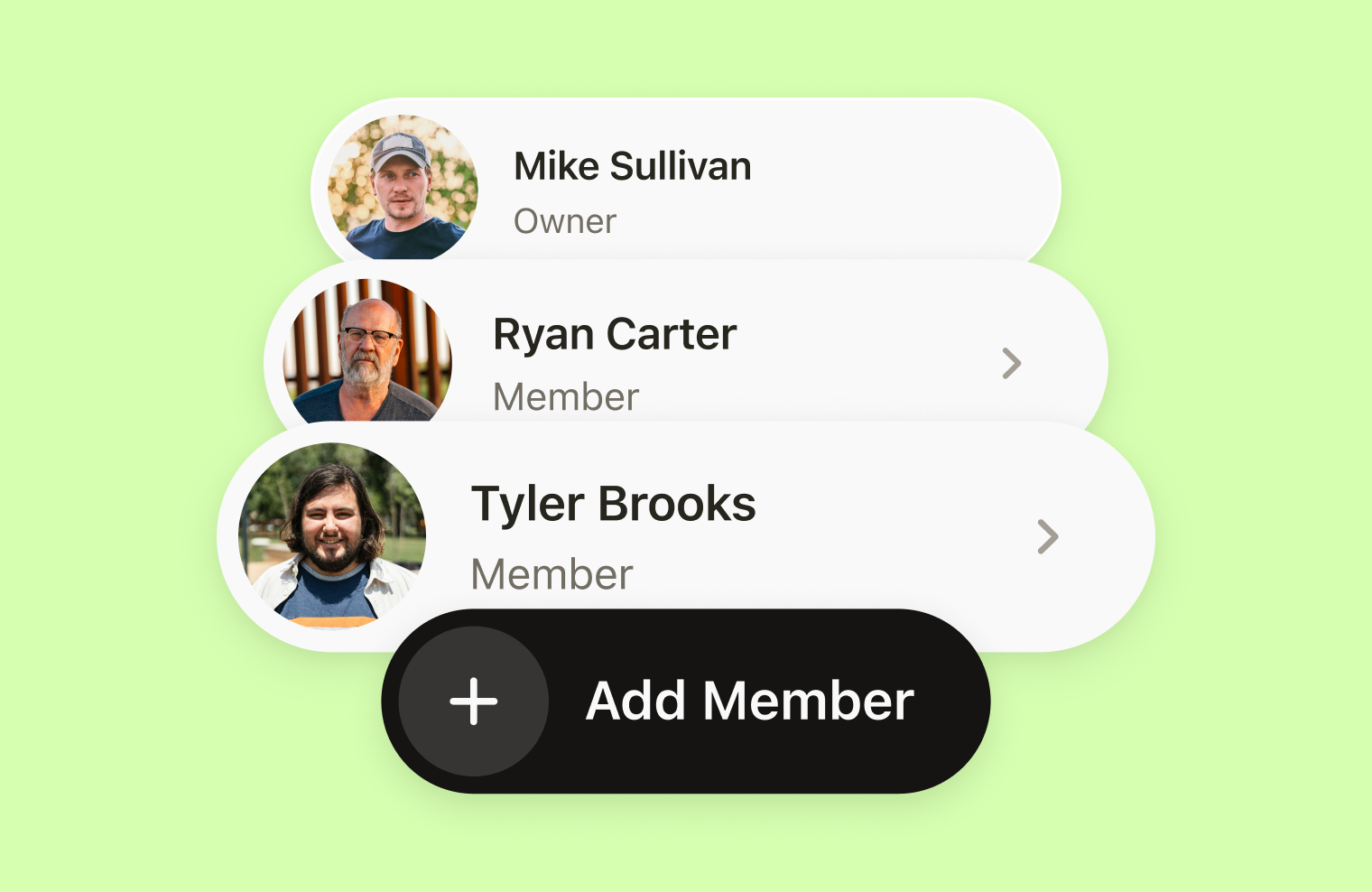
From there, select the people you want Clara to skip. You can search and filter to find contacts quickly. Anyone you add to the list will always ring through to you directly - Clara won’t answer, and the call won’t appear in your Clara inbox.
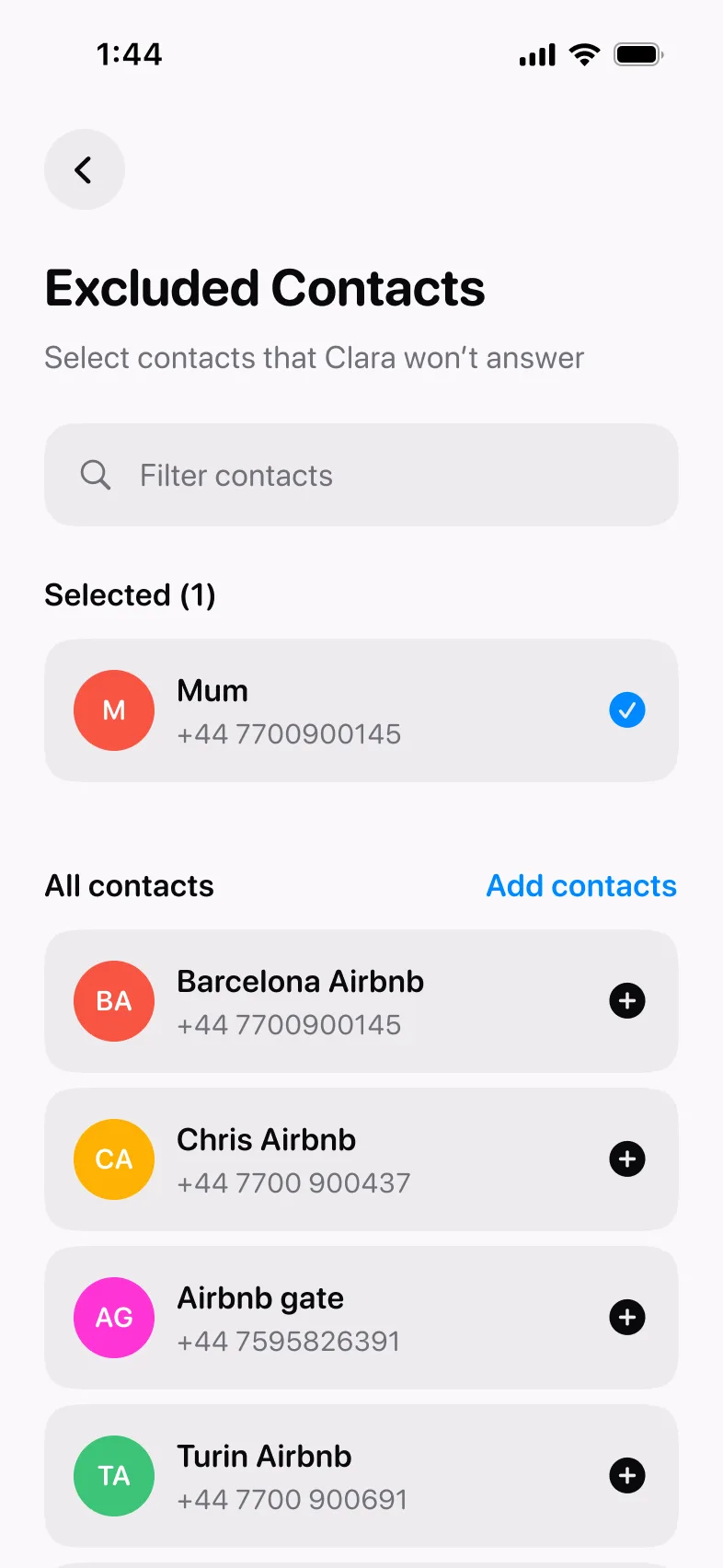
Selecting a contact for Skip Clara

Who to add

A few people almost always end up on the list:

  • Personal contacts - your partner, family, close friends. Calls you want to take yourself, every time.
  • Specific work contacts - a supplier you’re mid-negotiation with, a client at a sensitive point in a project. Calls where you want to be the one to pick up.

You can add or remove contacts at any time. The list doesn’t affect anything else - Clara still handles every other call normally.


Product Updates is our series of short guides on what’s new in Clara and how to get the most out of it.
Frequently asked questions

How do I stop Clara from answering calls from specific people?

Go to Settings → Call Handling → Skip Clara. Grant Clara access to your contacts list, then select any contacts you want to skip. Calls from those people will always ring through to you directly, Clara won't answer and the call won't appear in your Clara inbox.

Who should I add to Skip Clara?

Most people add personal contacts (partner, family, close friends) and specific work contacts they always want to speak to directly, a supplier mid-negotiation, a client at a sensitive point in a project. You can add or remove contacts at any time without affecting how Clara handles any other calls.

All posts

More from the blog

Get the app to stay on top of every call

★★★★★ 4.8 App Store
★★★★★ 4.7 Play Store
Scan to download the Clara app

Clara on your phone

Scan the QR code or download from a store: